
Create a Month of Social Content with ChatGPT + Elevayo
It only takes 30-min to schedule 30 days of posts.
Use our proven prompt to have ChatGPT create a social strategy, write your posts, and generate a CSV you can upload directly into Elevayo Social Planner.
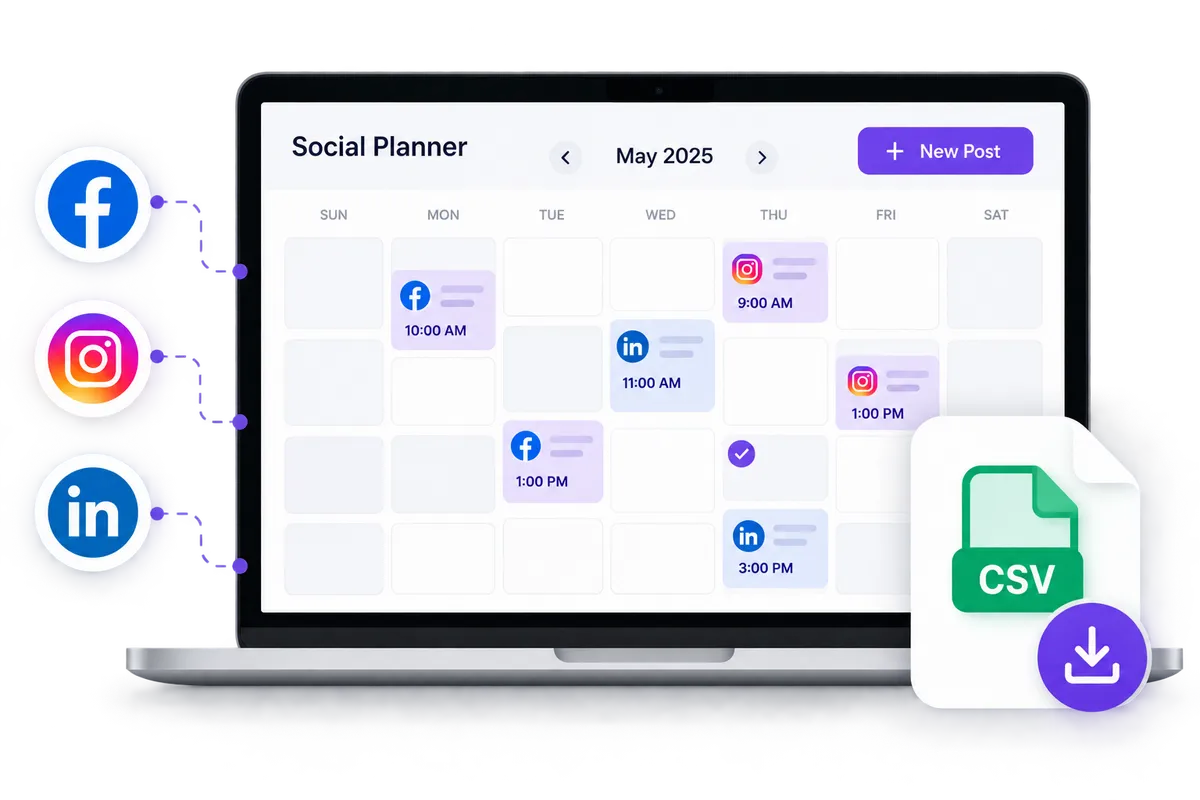
How it works
Step 1
Paste
We wrote the prompt for you. It tells ChatGPT how many posts to create, what to write about, and when to post them. Copy it, then paste it into ChatGPT. Do not send it yet. You will fill in your business details in step 2.
Act as an experienced social media strategist and content writer for my business.

MY BUSINESS
Business name: [BUSINESS NAME]
Industry: [INDUSTRY]
What we do: [BRIEFLY DESCRIBE YOUR PRODUCTS OR SERVICES]
Location/service area: [LOCATION OR "ONLINE/NATIONAL"]
Time zone: [YOUR TIME ZONE]
Ideal customer: [DESCRIBE YOUR IDEAL CUSTOMER]
Primary goal for social media this month: [GENERATE LEADS, BUILD AWARENESS, EDUCATE CUSTOMERS, DRIVE WEBSITE TRAFFIC, BOOK APPOINTMENTS, BUILD TRUST, PROMOTE A SPECIFIC SERVICE, ETC.]
What I want to promote this month: [SERVICES, PRODUCTS, EVENTS, OFFERS, SEASONAL TOPICS, OR "NOTHING SPECIFIC"]
Brand personality/voice: [FRIENDLY AND CASUAL, PROFESSIONAL AND AUTHORITATIVE, WARM AND HELPFUL, FUN AND PLAYFUL, LUXURY AND SOPHISTICATED, ETC.]
Platforms I use: [FACEBOOK, INSTAGRAM, LINKEDIN, GOOGLE BUSINESS PROFILE, ETC.]
Website or primary link: [URL OR "NONE"]
Month to create content for: [MONTH AND YEAR]

If any field above is still blank or unclear, ask me about it before you start writing.

DEVELOP THE STRATEGY
Before writing the posts, determine an appropriate posting frequency for my industry, audience, platforms, and goal.
Do not create posts simply to fill the calendar.
Choose a schedule that provides enough consistency to be effective without producing repetitive or low-value content.
Select appropriate posting days and times for my industry and audience. Schedule posts throughout the requested month using my local time zone.
Do not schedule any post within 24 hours of today's date, so I have time to review the calendar and upload it before the first post is due.
Create a useful mix of content. Depending on what is appropriate for my business, this can include:

* Educational or useful information
* Problems my customers commonly experience
* Tips and expert insights
* Behind-the-scenes or human-interest content
* Questions or conversation starters
* Trust and credibility building
* Customer-focused stories or scenarios
* Seasonal or timely content
* Product or service awareness
* Calls to action
* Promotional content

Avoid making every post a sales pitch.
Write naturally and specifically for my business.
Avoid generic marketing language, cliches, repetitive sentence structures, excessive emojis, em dashes, and obvious AI-style phrasing.
Write at a length that fits each platform. Keep posts short enough that they do not get cut off in the feed.
Use hashtags only when they are appropriate for the platform and industry.
Every row in the file gets sent to all of the accounts I select when I upload it. Write one post per time slot that works on all of my platforms. Do not write platform-specific versions of the same post, and do not create a separate row for each platform.
My platform list is there so you can judge tone, length, and hashtag use, not so you can split the content up.
The import allows 90 posts per file, shared across every account I post to. Keep the total number of posts at or below 90 divided by the number of platforms I listed.

CREATE THE CONTENT
Create the complete social media calendar for the requested month.
Each post should be ready to publish without additional writing.
Before creating the CSV, show me a preview containing:
Date | Time | Post Topic
Allow me to review the schedule and request changes before generating the final file.
Once I approve the content, create a CSV file that I can download and import into Elevayo Social Planner.

ELEVAYO CSV REQUIREMENTS
The CSV must contain these column headers EXACTLY as written and in this exact order:
`postAtSpecificTime (YYYY-MM-DD HH:mm:ss)`
`content`
`link (OGmetaUrl)`
`imageUrls`
`gifUrl`
`videoUrls`

Formatting requirements:

* Dates and times must use this exact format: `YYYY-MM-DD HH:mm:ss`
* Write the time exactly as it should post in my local time. Do not add a time zone name, abbreviation, or offset to the field, and do not convert the times to UTC. The time zone I gave you is only for deciding when to post, not for formatting.
* Confirm every date actually exists in that month before you write the file.
* Every row must have a date and time. Never leave that field blank.
* Put the complete social post in the `content` field.
* Wrap any field that contains a comma, quotation mark, or line break in double quotation marks, and double any quotation marks that appear inside a field, so the finished file is a valid CSV.
* If my website or another relevant page should accompany a post, place the URL in `link (OGmetaUrl)`.
* Leave `imageUrls`, `gifUrl`, and `videoUrls` blank unless I provide direct media URLs.
* Never invent image, GIF, or video URLs.
* Do not change, shorten, or rename the column headers.
* Do not add additional columns.
* Save the file as UTF-8.
* Generate an actual `.csv` file for me to download rather than giving me only CSV text or a markdown table.

After creating the file, tell me:

1. How many posts you created.
2. What posting frequency you selected and why.
3. Which posts would benefit from photos, graphics, reels, videos, or other media that I should add inside Elevayo.
Now paste it in ChatGPT
Open ChatGPT, start a new chat, and paste the prompt into the message box. A free account works fine.
Step 2
Personalize
The prompt is sitting in ChatGPT, unsent. Now make it yours. The whole prompt works off the details you give it, so this is the step that decides whether your posts sound like your business or like everyone else's.
Fill in every bracket
Anything in [SQUARE BRACKETS] is a blank waiting on you. Type over the whole thing, brackets included. Edit right in the ChatGPT message box before you send it.
BeforeBusiness name: [BUSINESS NAME]
AfterBusiness name: Miller Family Dentistry
What to put in the ones that matter most
Then send it
Once your details are in, hit send. If you left something blank or it needs more from you, it will ask before it starts writing. When it is ready, it will show you a preview of the whole month instead of the finished file. That preview is step 3.
Step 3
Pack it up
ChatGPT will show you a preview before it builds anything, laid out as Date, Time, and Post Topic. This is your chance to fix things while they are still easy to fix. Read it before you approve it.
Check four things
- The dates and times. Do they land when your customers are actually around? A dinner promo posting at 6am helps nobody.
- The number of posts. Enough to stay visible, not so many that you dread reviewing them. If it feels like too much, it probably is.
- The topics. Do they cover what you wanted to promote this month, and is there a real mix instead of the same idea five ways?
- The voice. Read two or three posts out loud. If they do not sound like you, say so now.
Ask for changes in plain words
You do not need special wording. Just tell it what is off, and it will redo the preview.
Then get your file
- Tell it you approve the schedule and you are ready for the file.
- Wait for it to build the CSV. It takes a moment.
- Click the download link it gives you and save the file where you can find it again, like your Downloads folder.
Step 4
Publish
You have a finished file. Now it becomes a month of scheduled posts. This takes about five minutes.
Log In to Elevayo- Connect your accounts. In Elevayo, go to Marketing, then Social Planner, and use the settings gear to connect the accounts you want to post to. Already connected? Skip straight to step 2. You only do this once.
- Click New Post, then choose CSV Upload.
- Pick Basic CSV.
- Upload your file, then select your accounts. Every post will publish to every account you select. If you want something different on one platform, say a longer post for LinkedIn, ask ChatGPT for a separate CSV for that account and upload it on its own.
- Glance at the review screen. If anything needs attention, Elevayo tells you which row and why. Adjust it there and keep going.
- Add your media. Add photos or video on the review screen, or open individual posts later. ChatGPT flagged which ones need them. Adding an image to a post with a link replaces the link preview, and the link moves into the caption as text.
- Confirm and you are done. Your calendar is scheduled.
Give it one last look
Skim the calendar view before you walk away. You are checking that dates and times landed where you expected, the copy reads the way you want, and your links work. It is easier to fix now than after something publishes.
Nicely done.
A full month of social media, written, scheduled, and off your plate. Come back next month and run it again.